


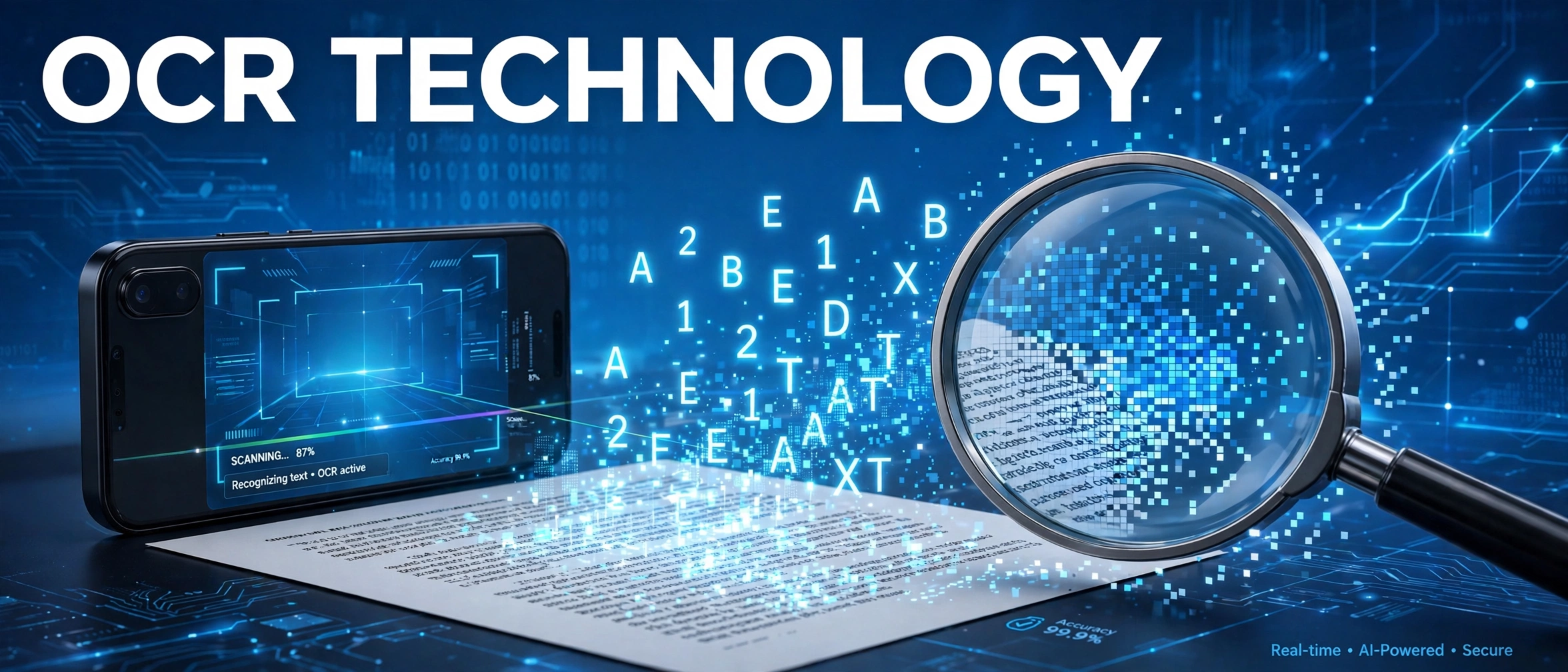
Every day, millions of pages are converted from paper into digital text by a technology most people never think about. OCR technology powers everything from scanning receipts to digitizing entire libraries. But what exactly is OCR, how does it work, and how is artificial intelligence changing it in 2026? This guide has the answers.
What Is OCR Technology?
OCR stands for Optical Character Recognition. It is a technology that converts images of text, whether from scanned documents, photographs, or PDFs, into machine-readable, editable text. Without OCR, a scanned page is just a picture. With OCR, every word becomes searchable, copyable, and usable by software. The open-source Tesseract engine, originally developed by HP and now maintained by Google, remains the most widely used OCR engine in the world.
How OCR Technology Works
Modern OCR follows a clear pipeline:
1. Image acquisition: the document is scanned or photographed.
2. Pre-processing: the image is cleaned up, noise is removed, tilted pages are straightened, and the image is converted to high-contrast black and white.
3. Text detection: the system locates regions of the image that contain text, using techniques similar to object detection.
4. Character recognition: each region is transcribed into characters and words, increasingly using deep learning sequence models.
5. Post-processing: language models correct likely errors, and the output is delivered as editable text with layout and confidence scores.
History of OCR Technology
Machine reading predates modern computers. In 1912, Edmund Fournier d’Albe built the Optophone, which converted printed characters into tones to help blind readers. In 1929, Gustav Tauschek patented a template-matching reading machine. Practical OCR arrived in the 1950s with digital computers and was adopted at scale by postal services and banks, using purpose-designed typefaces like OCR-A. The technology leapt forward again in the 2010s when deep learning replaced hand-crafted rules, dramatically improving accuracy on messy, real-world text.
Top Applications of OCR Technology
Document digitization: banks, governments, and law firms convert paper archives into searchable databases.
Data entry automation: invoices, receipts, and forms are read automatically, cutting manual typing and errors.
Passport and ID verification: airports and banks extract data from identity documents in seconds.
License plate recognition: traffic systems and parking lots read plates from camera images.
Accessibility: screen readers use OCR to read text inside images aloud for visually impaired users.
Translation: phone cameras translate foreign signs and menus in real time, with OCR reading the text first.
Best OCR Tools in 2026
Tesseract: free, open-source, and supports over 100 languages. The go-to choice for developers.
Google Cloud Vision: powerful cloud API with excellent handwriting recognition.
ABBYY FineReader: a long-standing commercial leader for high-accuracy document conversion.
Adobe Acrobat: built-in OCR makes any scanned PDF searchable with one click.
Microsoft Azure AI Vision: strong for enterprise document pipelines and forms.
OCR Technology and AI: What Is New in 2026
The biggest shift in OCR technology is the arrival of vision-language AI models that read documents the way humans do. Instead of the old detect-then-recognize pipeline, multimodal models can look at an entire page, understand tables, handwriting, and layout together, and even answer questions about the document. AI-powered systems now handle cursive handwriting, low-quality photos, and dozens of languages far better than classic engines. The frontier is “document understanding”: not just extracting text, but grasping what the document means.
Limitations of OCR Technology
OCR still struggles with poor image quality, unusual fonts, and heavily stylized text. Handwriting recognition, while much improved, is not perfect. Accuracy also depends on language: widely used languages get better models than rare ones. For critical documents, a quick human review of low-confidence characters remains good practice.
Frequently Asked Questions
What does OCR stand for?
OCR stands for Optical Character Recognition: technology that converts images of text into machine-readable text.
What is the difference between scanning and OCR?
Scanning creates an image of a page; OCR reads the text out of that image. A scan without OCR is just a photograph of text.
Is OCR technology free?
Yes, powerful free options exist. Tesseract is completely free and open-source, and many phone apps include free OCR features.
Can OCR read handwriting?
Modern AI-powered OCR can read handwriting quite well, though accuracy varies with legibility. Clean print is still recognized more reliably than cursive.
Final Words
OCR technology quietly powers the paperless world, turning images into information. As AI models learn to truly understand documents, OCR is evolving from a simple reading tool into an intelligent assistant. For more guides on the tech shaping our lives, explore our tech news section.
